How to count heavy equipment staged at a rail ramp before dealer delivery
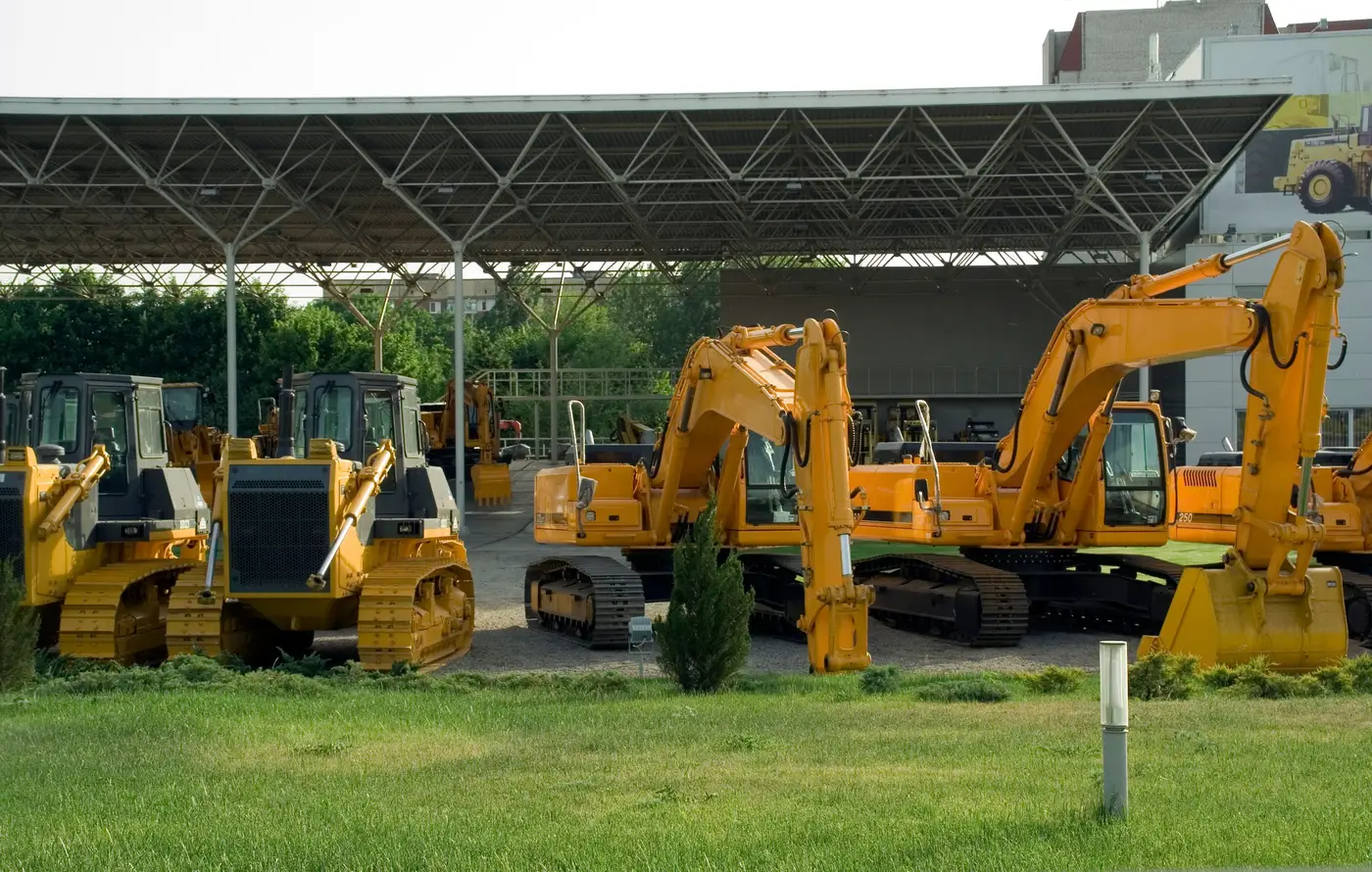
A rail ramp holding fifty excavators and a row of wheel loaders between unload and dealer pickup is not a hard thing to see. It's a hard thing to count accurately, twice in a row, from two different sources.
A ramp's job is moving consists off the train, staging units long enough for PDI and carrier assignment, and getting them onto a truck. Nobody at the ramp is tallying machines by model for a market report. The closest thing to a count usually comes from the rail carrier's release data or a dealer's own delivery log, and both of those describe what moved through the gate, a different thing from a current row count.
Why the usual counting methods drift
Three sources typically get cited for ramp staging numbers, and each has a gap.
Carrier release reports show when a unit cleared the ramp for pickup, not how long it then sat waiting for a truck. A machine can show as "released" for two weeks while it's still parked in the same row, which inflates apparent throughput and understates dwell.
Dealer delivery logs only start once a unit is accepted at the dealership. Anything delayed at the ramp, held for PDI rework, or waiting on a flatbed slot doesn't show up as inventory anywhere until it arrives. If you're trying to size a pipeline, that gap is where the real backlog hides.
Site visits give you a real count, but only for the one day someone walked the rows. Ramps turn over fast during peak shipping months, so a count from three weeks ago tells you almost nothing about what's staged today. And most ramps restrict walk-on access for non-employees, so a physical count usually means working through a relationship with the terminal operator, which not every analyst has.
Put those three together and you get a number that's directionally right and specifically wrong, which is fine for a quarterly narrative and not fine if you're trying to catch a 20% swing in staged inventory month to month.
A method that holds up across ramps
If you need a repeatable count, the steps that actually work are closer to a stock audit than a logistics report:
- Fix the boundary. Decide what counts as "the ramp" before you start. Staging rows, overflow lots across the access road, and the PDI shed are usually separate areas with separate turnover, and lumping them together hides where units actually sit longest.
- Count by row, not by model first. Row-by-row counts catch units that get missed when you're scanning for a specific brand or class across a cluttered yard. Sort by model and OEM after the count, not during it.
- Timestamp every count the same way. A count taken Monday morning and one taken Friday afternoon aren't comparable if weekend rail unloads land in between. Pick one day of the month and stick to it.
- Separate staged from released-but-present. A unit marked released in the carrier system but still sitting in the row is still inventory. Count what's physically parked in the row first, then reconcile against the carrier's release status afterward.
- Repeat on a fixed cadence. A single count is a snapshot. A monthly count at the same ramp, on the same day, is the only way to see whether staging time is getting longer or shorter, and whether a particular OEM's units are clearing faster than another's.
That last point is the whole problem with manual counts: doing it once is manageable, doing it every month at every ramp in a coverage set is not, especially when some of those ramps don't grant easy site access.
That's the gap a monthly, image-based unit count is built to close. Heavy Equipment Detection reads a dated machine count straight from high-resolution imagery of the ramp each month, no site visit and no dealer call required, so staging counts stop depending on who you can reach by phone that week.
If ramp-level staging counts are a recurring blind spot in your fleet data, it's worth seeing what a monthly image-based count would look like for your coverage list.